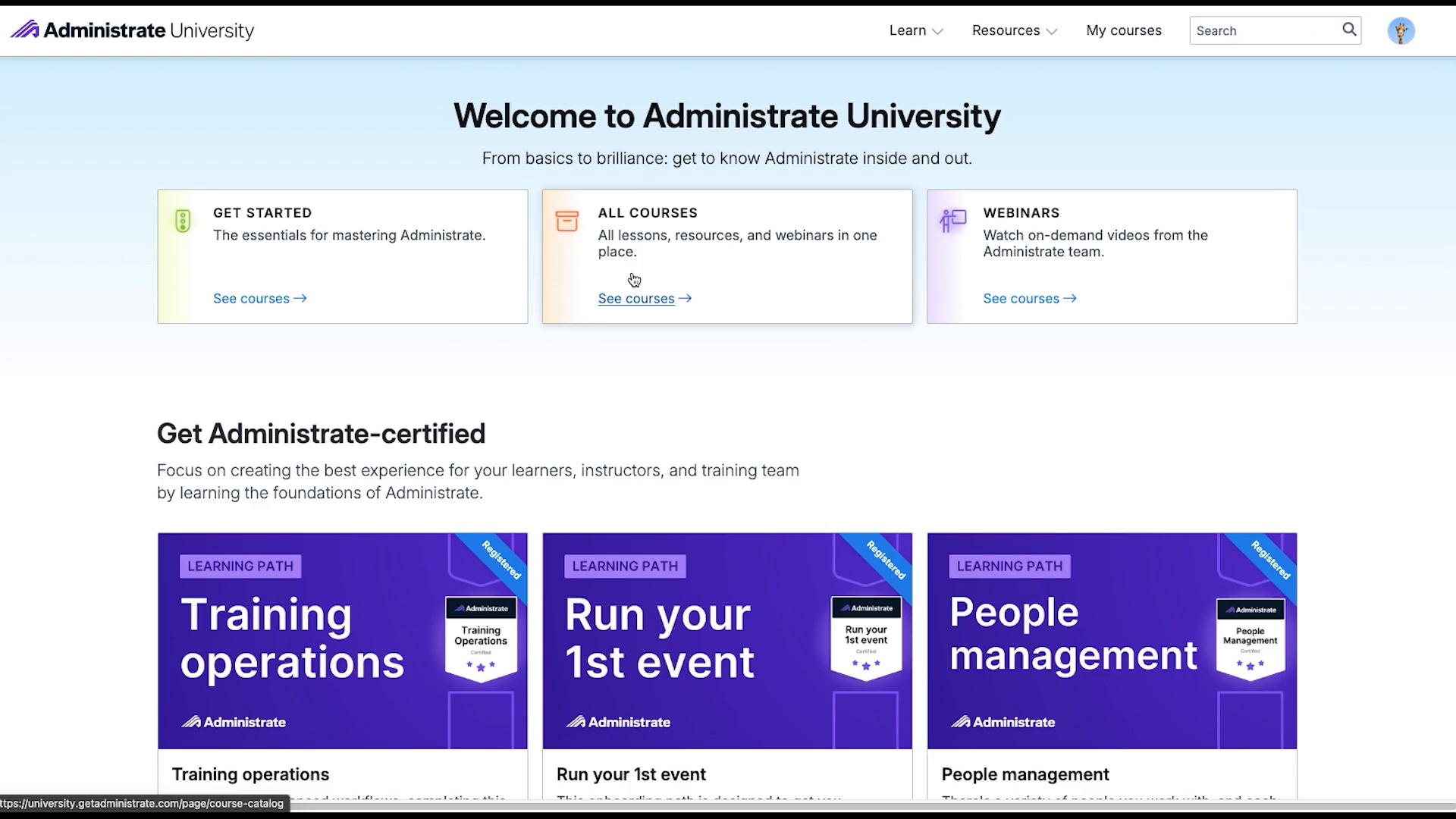
Administrate University provides your team with everything you need to master the Administrate platform.
Administrate University
Administrate University provides your team with everything you need to master the Administrate platform.
Faster adoption
Slow ramp-up
New team members take months to get confident, and every question pulls an expert away from their work.
Training that doesn’t stick
Generic click-through demos don’t match the work your team does every day.
No visibility into progress
You can’t see who’s trained on what, so gaps only show up when something goes wrong.
Quick results
Administrate University accelerates your team’s mastery of the Administrate platform, delivering online training, learner progression tracking, and managing badging and certifications. It is easy to work at your own pace, diving as deep into platform features as you want, or assign learning paths to specific team members. In just a few hours, your team will be able to use Administrate to manage training at scale.


Reportable
Learn at your own pace, see how your team is doing. You are not restricted to a specific learning path in Administrate University. Access any part of a module, finding the instruction you need right now. It is also easy to report on your team’s process, quickly identifying areas that need further instruction or practice.
Deep learning
Administrate University uses simulations and functional use cases, not just point-and-click interfaces. Your team will learn exactly how to access, evaluate, and execute basic and advanced options within Administrate.


Up-to-date
Administrate University content is updated on a consistent basis with new content. The Administrate platform is always improving, and so is our self-guided instruction. New tips and tricks are added frequently, and you will be notified when new content is added that relates to new or upcoming features.
Get started
Connect with an Administrate University expert and see how we will get you up and running with Administrate.