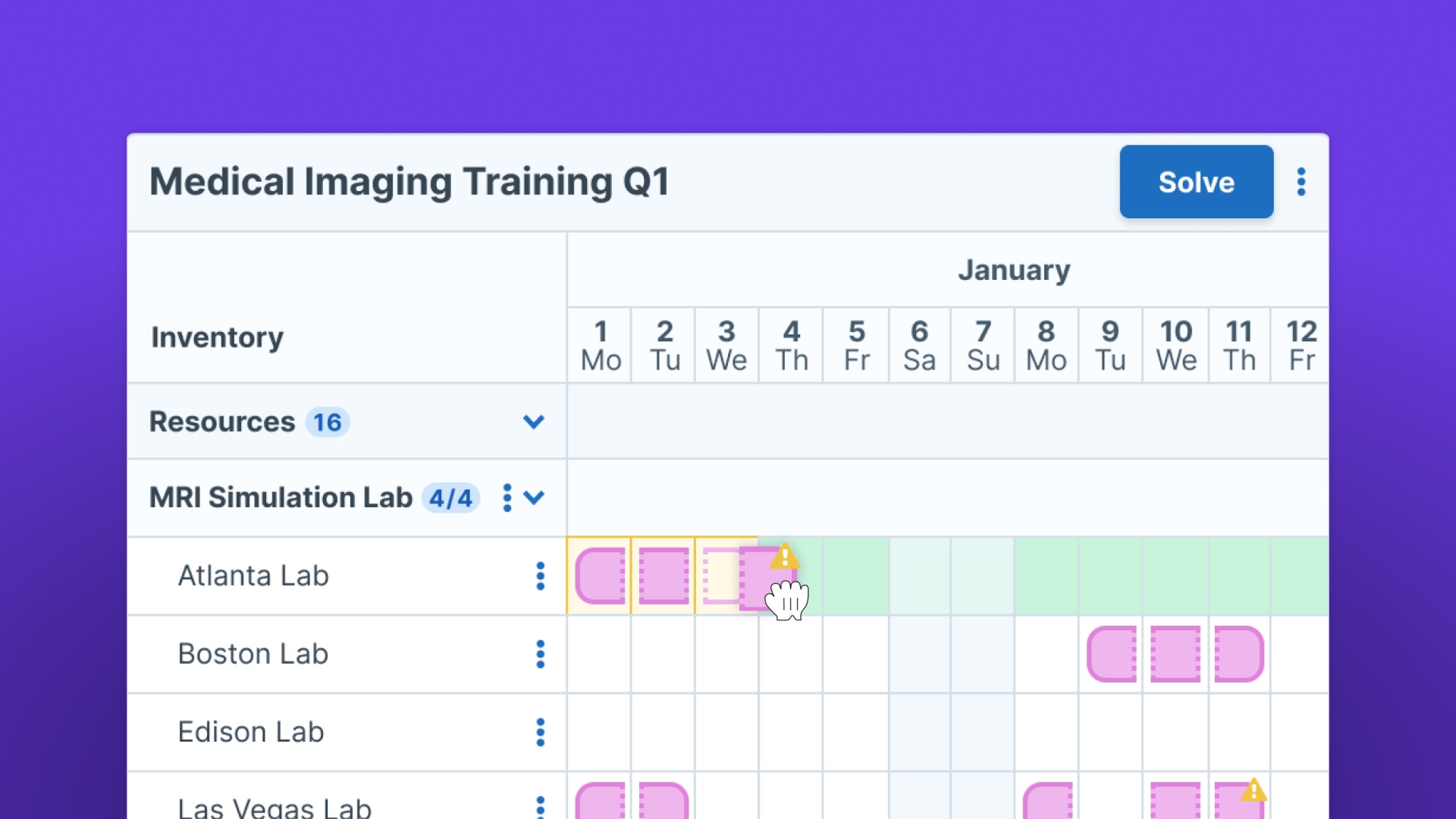
Stop managing training operations in spreadsheets

Deliver high-volume and compliance-driven training by replacing manual processes with one system for scheduling, workflows, integrations, and reporting.


Video
Elaine BuckleyMahon FitzgeraldMark NicolosiBill Herriott

Book time with us

Manual work is slowing your training team down

When your training operations depend on spreadsheets and inboxes, your team is spending too much time chasing updates instead of improving training delivery.

It all gets done, just at the cost of time, effort, and patience

Every schedule change creates a ripple effect. Every instructor assignment needs manual follow-up. Every report requires another export. Every compliance deadline adds more pressure.

Instructor conflicts display with suggested replacements for HR training sessions.
Two engineers in yellow hard hats and blue jackets analyze the structure of an electrical transmission tower, while Administrate interface elements show blocking issues and resource requirements for these types of trainings.

Administrate runs the operations your LMS can’t

Your LMS helps learners access courses, complete training, and track progress. But most LMS platforms are not designed to manage the operational complexity of high-volume, live, hands-on, or compliance-driven training.

Teams often end up relying on spreadsheets to manage what their LMS leaves out:

  • Creating schedules.
  • Assigning instructors.
  • Tracking resources.
  • Coordinating logistics.
  • Building reports.

From workarounds to a Training Management System

With just an LMS

  • Scheduling often happens in spreadsheets.
  • Resource planning is manual.
  • Data must be copied between tools.
  • Reporting requires exports and cleanup.
  • Admin teams chase updates manually.
  • Growth creates more complexity.

With Administrate TMS

  • Scheduling is centralized and easier to manage.
  • Instructors, rooms, and equipment are coordinated in one system.
  • Systems can be integrated to reduce duplicate work.
  • Training data is easier to access and report on.
  • Workflows and notifications can be automated.
  • Operations are built to scale.

Manual training management is risky, not just slow

As training programs grow, manual systems become harder to trust. Small errors can lead to missed sessions, double-booked instructors, incomplete records, frustrated learners, and compliance gaps. And because so much knowledge lives in spreadsheets or individual inboxes, your operation becomes harder to scale.

Without a centralized TMS, your team may keep running into:

  • Delayed training delivery.
  • Burned-out administrators.
  • Scheduling conflicts.
  • Inaccurate or outdated data.
  • Missed compliance requirements.
  • Poor resource utilization.
  • Limited visibility across programs and locations.

The more your training operation grows, the more fragile manual processes become.

Two engineers in yellow hard hats and blue jackets analyze the structure of an electrical transmission tower, while Administrate interface elements show blocking issues and resource requirements for these types of trainings.

Illustration of Administrate's Scheduler showing Angiography & Vascular Courses Q2. The interface displays a schedule for April 1st to 12th, with courses listed and their corresponding time blocks. A 'Solved' status is indicated, and a modal is in the bottom right with a ‘create events and book’ button. The modal indicates that 115 draft events, 67 instructors, and 439 resources will be created and booked.

Administrate was built to replace manual chaos

We know what it feels like to manage complex training programs with spreadsheets, disconnected systems, and constant manual follow-up. Administrate gives your team one place to manage schedules, resources, workflows, integrations, and reporting, so training operations can run with less friction and more control. You bring the training expertise; Administrate brings the system to scale it.

Automate the repetitive work behind training delivery

Centralized scheduling

Manage instructors, learners, rooms, equipment, and locations in one place instead of juggling multiple spreadsheets.

Image depicting training session management dashboard with alerts for events with issues and a task list for upcoming responsibilities.

Workflow automation

Automate repetitive admin tasks, approvals, notifications, and updates so your team can spend less time on manual coordination.

AI Automator Workflow that shows a simple "Accept" and "Decline" series that leads to sending an email for accept, and then an edit action on the event for decline for instructors.

Resource management

See what’s available, what’s booked, and where conflicts exist before they disrupt training delivery.

Illustration of a message box with potential questions that the user can ask around it.

System integrations

Connect your LMS, HR, CRM, and other business systems so your training data flows without constant copying and pasting.

ILT courses for Q2 being solved at the click of a button with Administrate's AI Scheduler.

Reporting without the rebuild

Access the training data you need without manually pulling exports from disconnected systems.

Illustration of line chart with gears.