The EdCast integration keeps your Administrate course catalog and learner progress synchronized with EdCast, so learners can discover offerings in EdCast while Administrate continues to manage instructor-led training (ILT) and other structured programs.
In this article
Overview
Organizations that use a learning experience platform (LXP) like EdCast often want a centralized place where employees can discover learning opportunities and track progress. Administrate complements an LXP by providing tools to manage ILT and other structured learning programs that an LXP may not support natively.
The EdCast integration connects Administrate with EdCast so courses and learner progress stay aligned across both platforms.
Purpose
The goals of this integration are to:
- Synchronize courses: Courses created and published in Administrate can be made available in EdCast to support a unified catalog.
- Keep enrollments up to date: Learner enrollments, completions, and cancellations are synchronized between Administrate and EdCast.
- Improve discovery: Administrate courses can appear alongside other curated content in EdCast, giving learners a more complete discovery experience.
How it works
1) Courses published in Administrate appear in EdCast
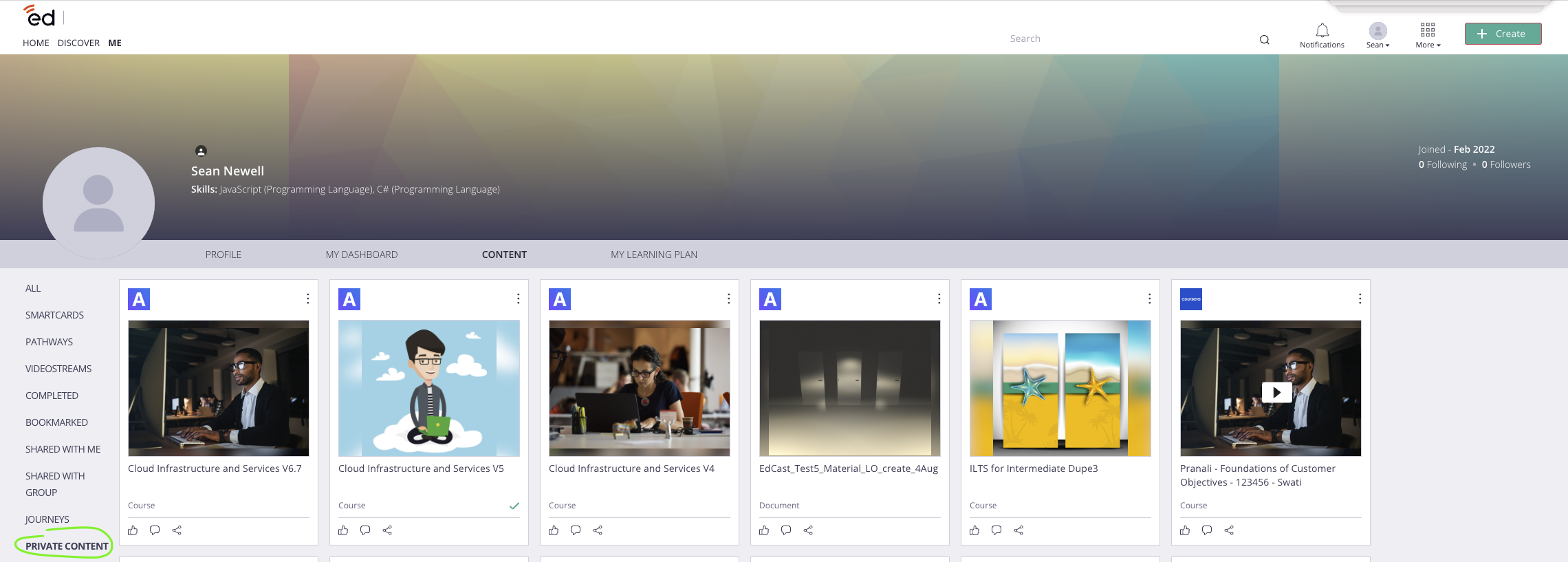
2) Learners enroll in EdCast and are enrolled in Administrate
Learners can find these courses in EdCast and enroll. The integration creates the corresponding enrollment in Administrate.
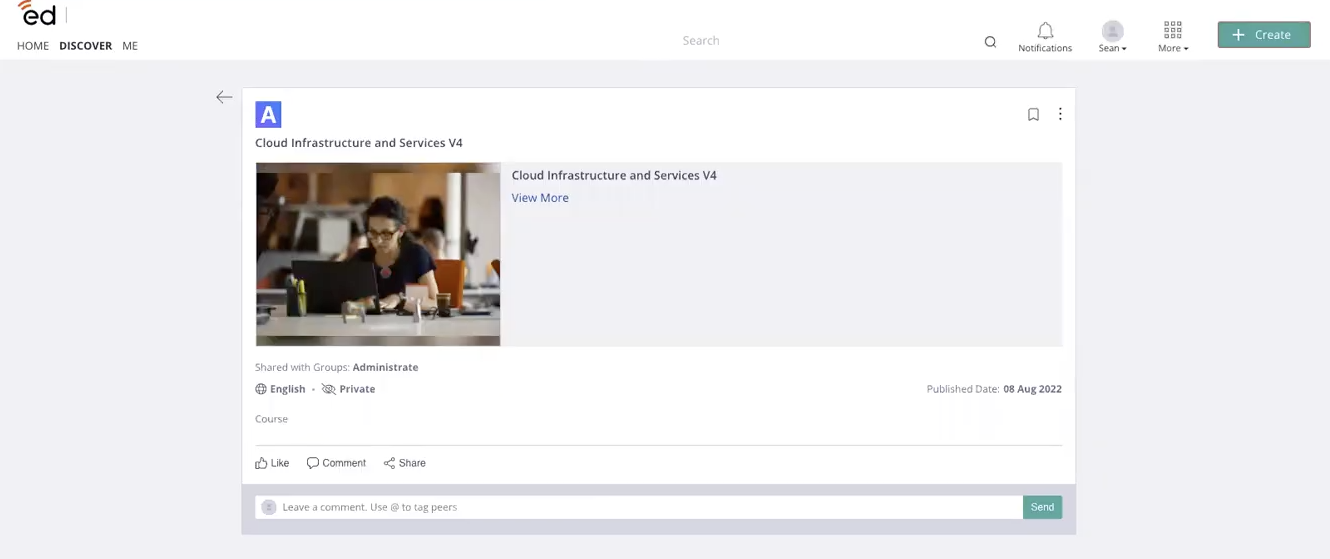
3) Learners complete training in the Administrate LMS
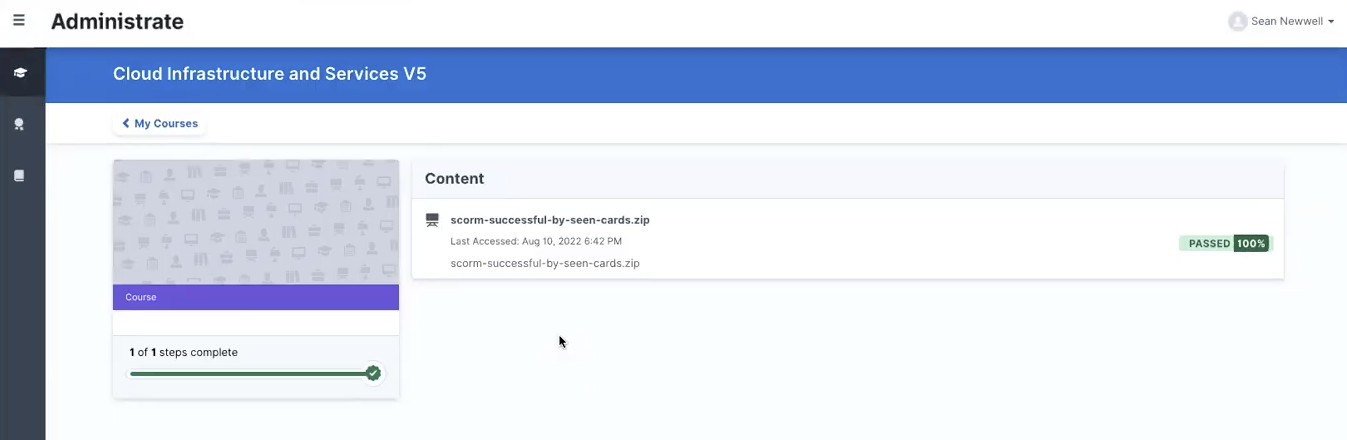
4) Completions are sent back to EdCast
Completion updates are sent to EdCast so learner progress reflects the learner’s activity.
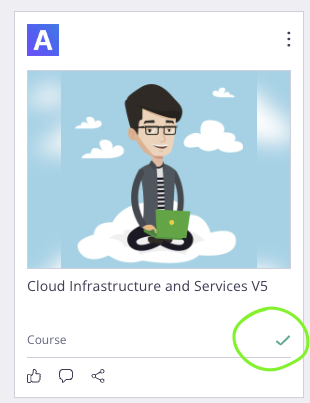
5) Progress is tracked in both platforms
6) Course changes in Administrate are reflected in EdCast
Updates to course availability, cancellations, and archives in Administrate are reflected in EdCast.
Sync frequency
- The initial sync occurs when the WebLink Portal is updated, sending all valid courses to EdCast.
- After that, updates occur automatically in near real time through Administrate webhooks.