Administrate General Release Notes
What’s New?
Course Templates Updates - Coming Tomorrow on Sept 30th
We’re updating the Course Templates experience to make it faster to use, easier to update, and better aligned with the rest of the platform. This update also lays critical groundwork for future improvements by expanding GraphQL support for the Course entity.
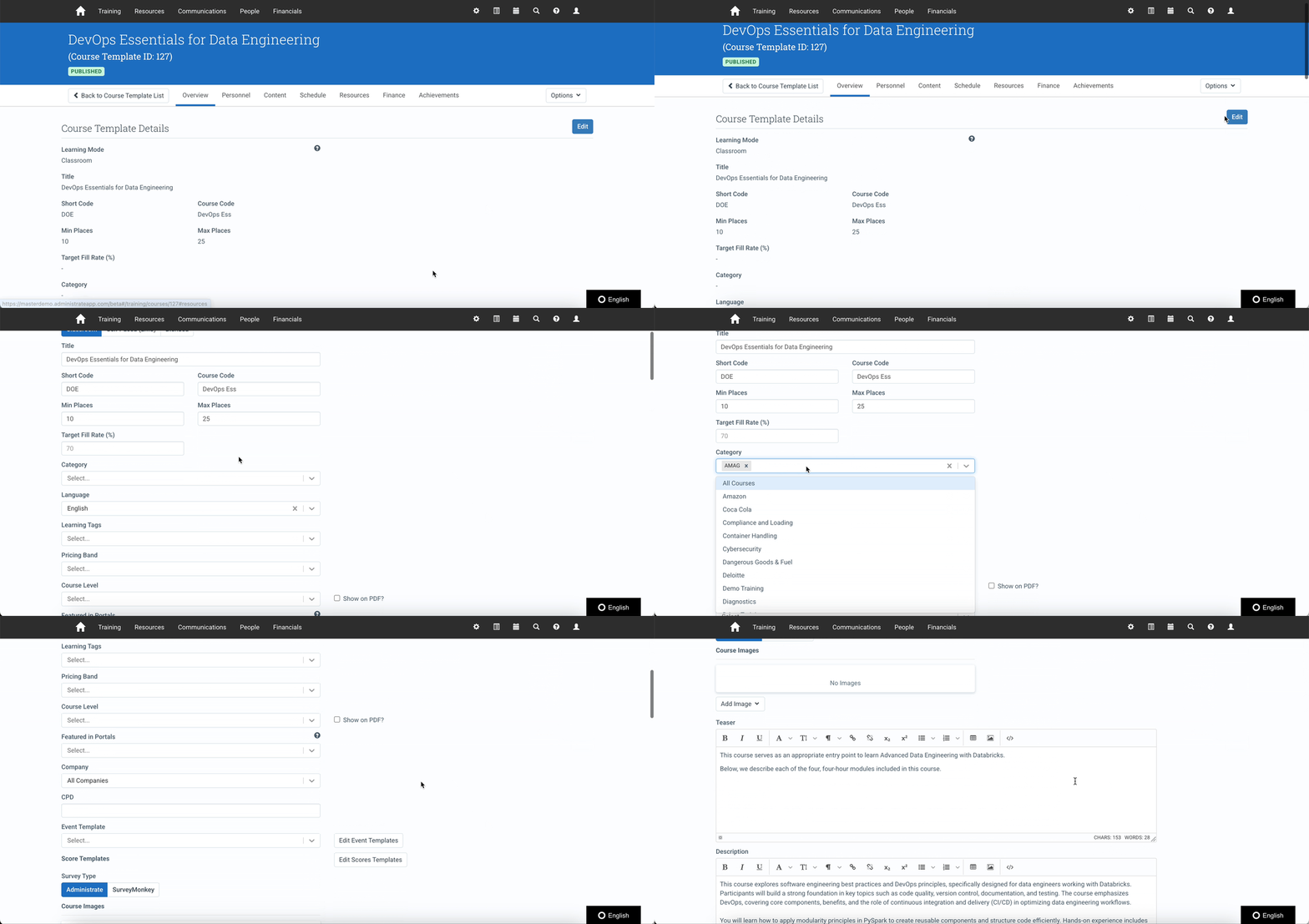
What’s New:
- The Basic Info, Create and Update pages now have a fresh look and smoother interactions. Functionality is not impacted, so you’ll be able to use Course Templates as you did before.
- The basic info page now opens in view mode by default - click edit to make changes.
- Custom fields are now visible by default - no more hidden fields during setup.
- We’ve filled key GraphQL coverage gaps for Course Templates and Companies, paving the way for improved integrations and automation in the future.
New Machine-to-Machine Authentication for GraphQL API
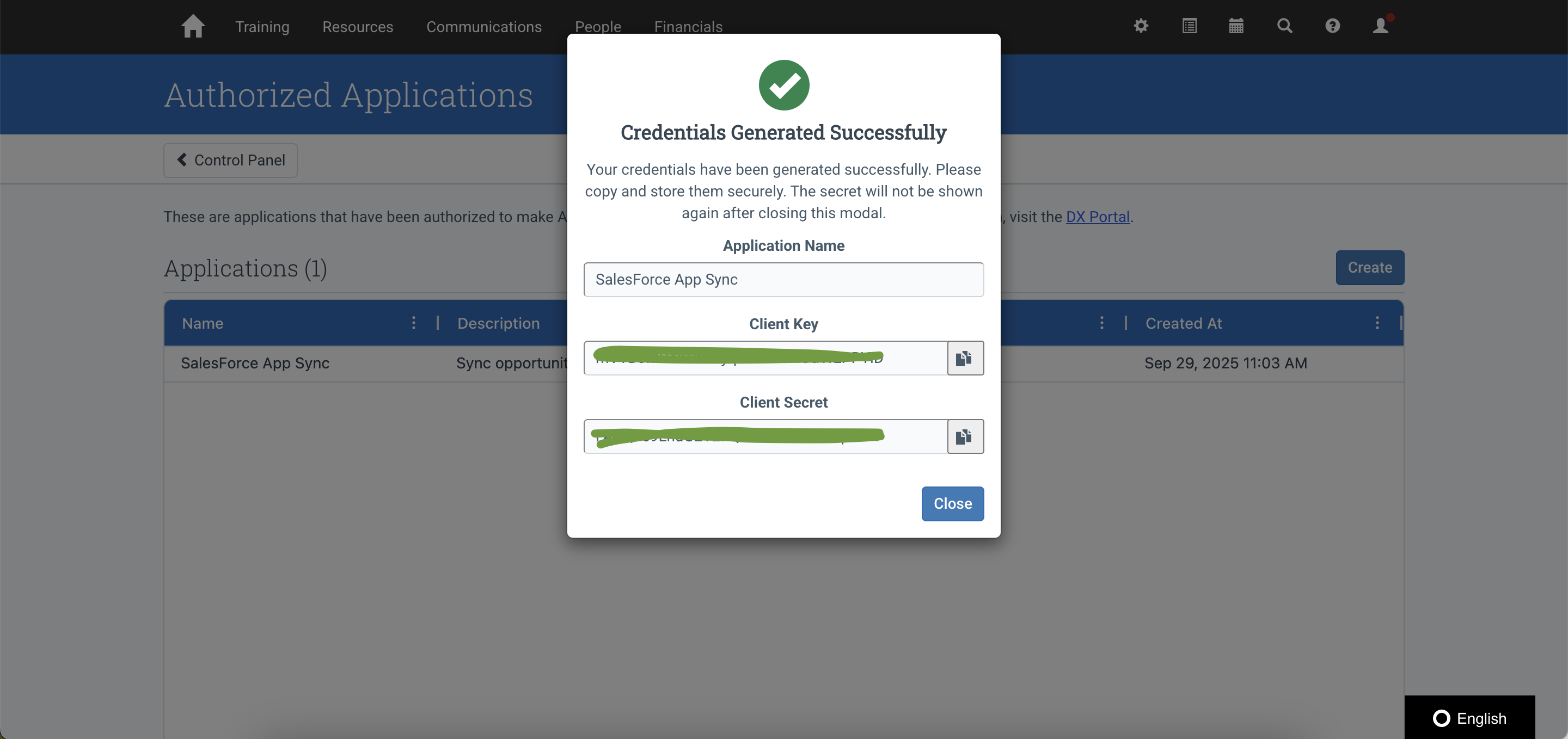
We’ve added support for Client Credentials Grant to simplify how backend systems and services authenticate with our GraphQL API - no user interaction required.
Why This Matters
Until now, all third-party API access required an interactive OAuth flow involving user login. With this update, you can now:
- Authenticate using a client ID and secret, without user involvement
- Seamlessly connect backend services, schedulers, or automation tools to the GraphQL API
Full usage instructions, including how to register clients and use tokens, are available in our support documentation.
Defects Resolved
- Fixed an issue where adding a Quotation to an existing Booking caused an error and prevented Template searches from loading.
- Fixed an issue where only Super Users could add a Task Workflow to an Event. All Users with the correct permissions can now do so.
- Fixed an issue where the Locations dropdown in the WebLink Event List widget only displayed 50 options.