Important: Only Super Users can access the Control Panel and its settings due to their impact on system behavior and sensitive data. Review a user’s Special Roles to confirm access.
The Control Panel contains all configuration and system-level settings for your Administrate environment. These settings govern how your application behaves across workflows, integrations, and financial operations.
For example, a Super User can:
- Edit Communication Triggers that send emails to students or CRM users.
- Modify API connection details, potentially disrupting API-integrated websites or systems.
- Change the financial account used to receive online payments.
Because of this level of access, Super User permissions should be granted only to the most trusted Users. As a best practice, never assign Super User access without approval from an existing Super User.
To open the Control Panel, click the cog icon in the top-right corner of the navigation bar.

Control Panel access icon
Hint: Use the search field in the upper-right corner of the Control Panel to quickly locate settings. You can type part of a setting name (for example, email) to surface all related configuration options.
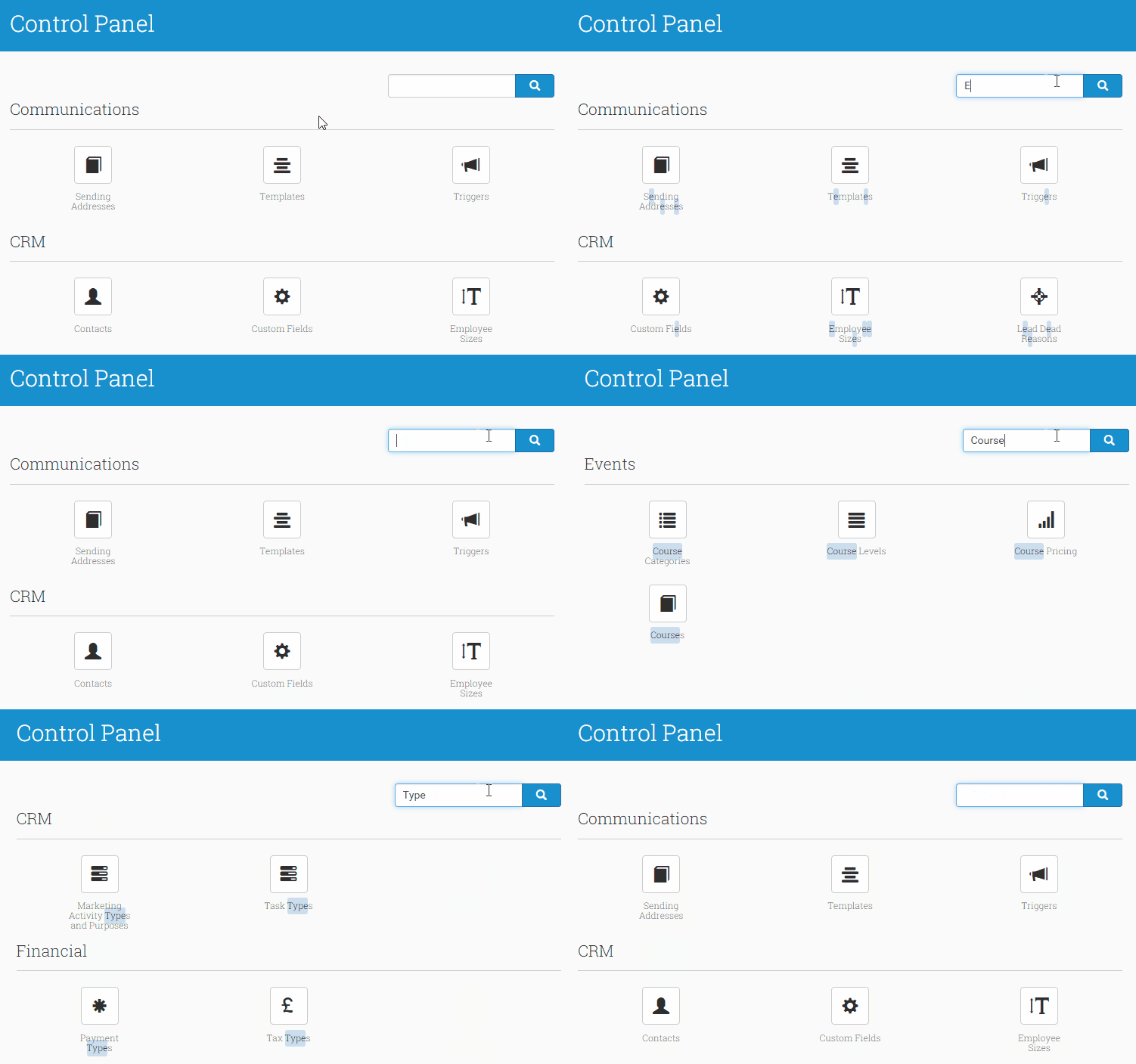
Search for settings directly from the Control Panel