Administrate General Release Notes
What’s New?
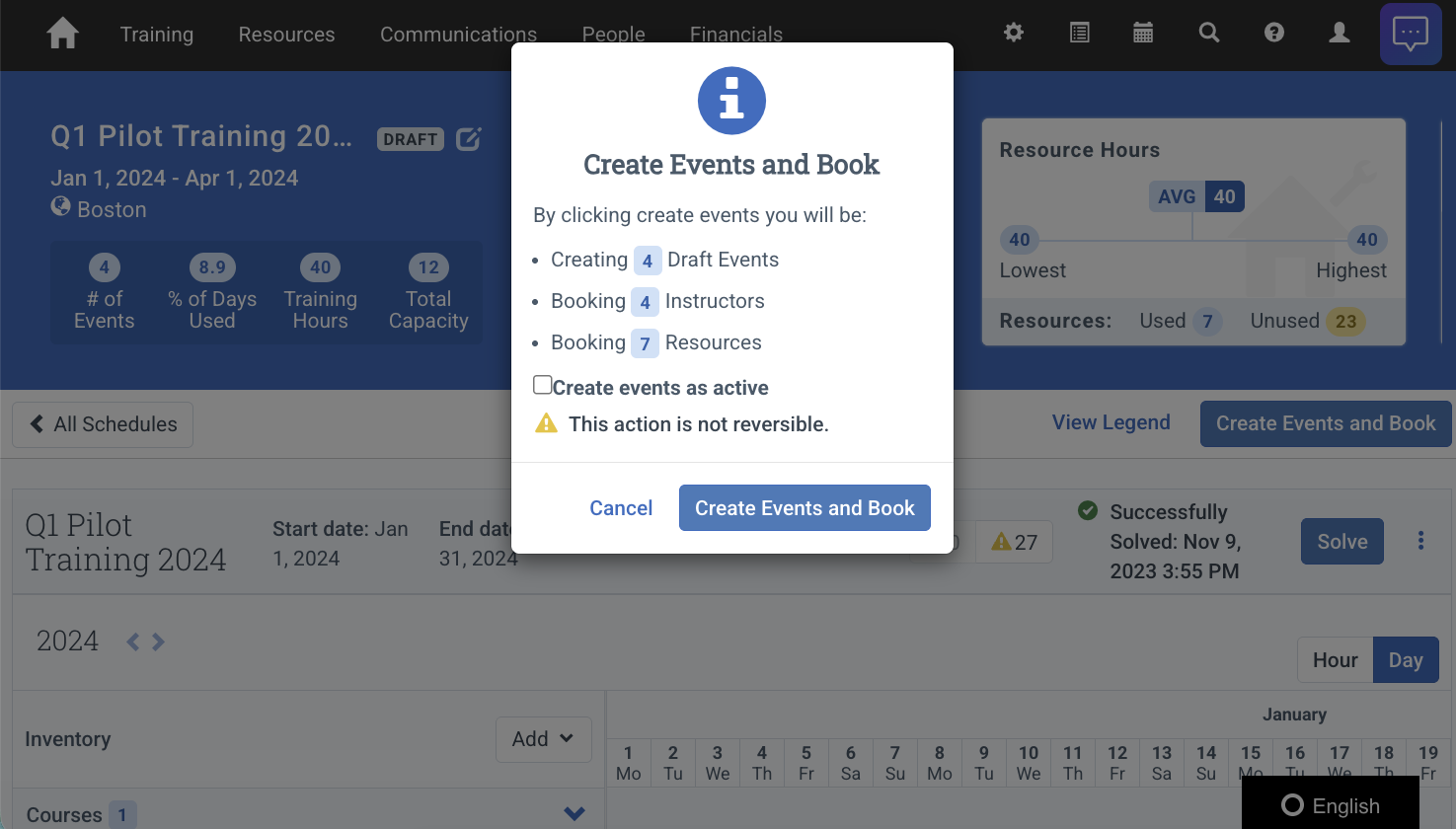
Schedulernow allows you to publish Events directly after generating a Schedule.
New Automator Example: Create Booking from Event
A new Automator workflow example is now available that enables one-click Booking creation directly from an Event. Instead of navigating away from the Event screen to create a Booking and then searching for the Event to add as an Interest, this workflow handles it all in a single click.
Key features:
- One-click Booking creation directly from the Event’s Automator menu
- Automatic Event Interest attachment to the newly created Booking
- Support for both Public and Private Event types
- Automatic currency and financial unit detection
- External integration logging for full audit trail
Check out the documentation to get started.
Defects Resolved
- The Billing Contact Person field is now visible when editing an Account, allowing users to update the Billing Contact in the UI.
- The Import Data tool now accepts encoded IDs for Registration ID when updating Registrations.
- The Send notification to instructor prompt will no longer appear when an Event or Session has no Instructors assigned.
- Calendar Integration now includes the Event Location Address when syncing Events to Instructor calendars (Outlook or Google).
- Creating a Course Template with HTML in the Course Summary no longer triggers repeated Docebo warning logs.
- Docebo Integration: Integration logs now correctly show as ‘failed’, with an explanation message, when a learner has not synced with the learner in Docebo.