Administrate General Release Notes
Available Tomorrow
Reports Permissions
This will be live tomorrow on November 4, 2025
Reports now respect Company and Entity permissions. You can only view reports assigned to your Company and only if you have permissions for all Entities included in that report. Reports can be set to “All Companies” to make them available globally. All existing reports remain global by default.
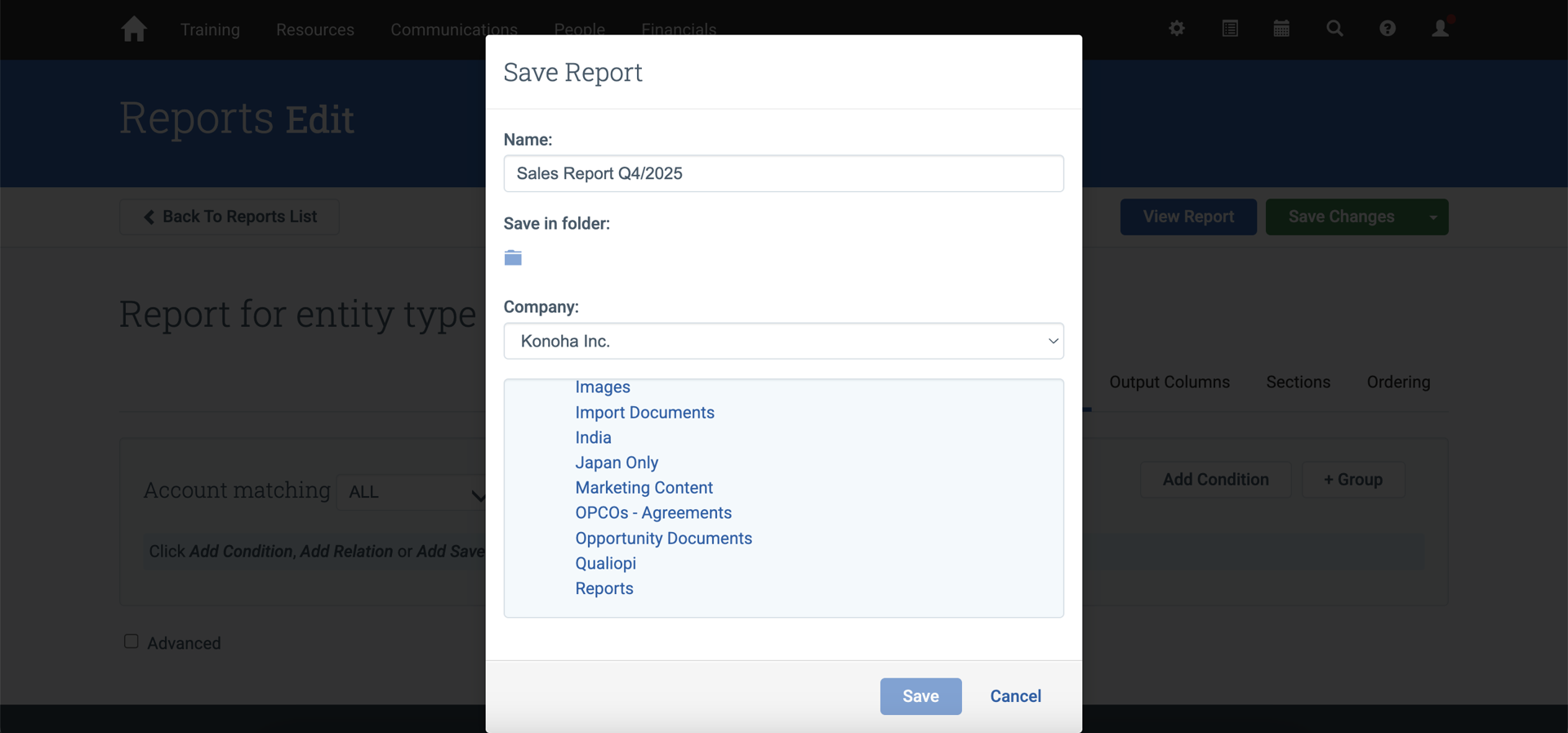
How It Works
If you work in a multi-company environment, reports now automatically scope to your assigned Company. When you create a report, it only includes data from your Company unless you explicitly set it to “All Companies”.
You can only access reports if you have permissions for every Entity included in that report. For example, if a report includes both Events and Contacts, you need permissions for both to view it.
What’s changed?
- New reports are automatically assigned to your Company.
- You can only view reports assigned to your Company, or companies you have access to, and those reports display only your Company’s data.
- Reports can be set to “All Companies” for global access
- You must have permissions for all Entities in a report to view it
Note: All existing reports remain set to “All Companies” by default, so your current workflows are not impacted.
Session-level Triggers are now available for multi-session Events.
This will be live tomorrow on November 4, 2025.
You can now create Triggers that fire relative to individual Session start and end times, ensuring timely communications for Events with multiple Sessions. Configure Triggers to apply to all Sessions or specific Courses, and link existing Triggers directly from a Course without navigating between pages.
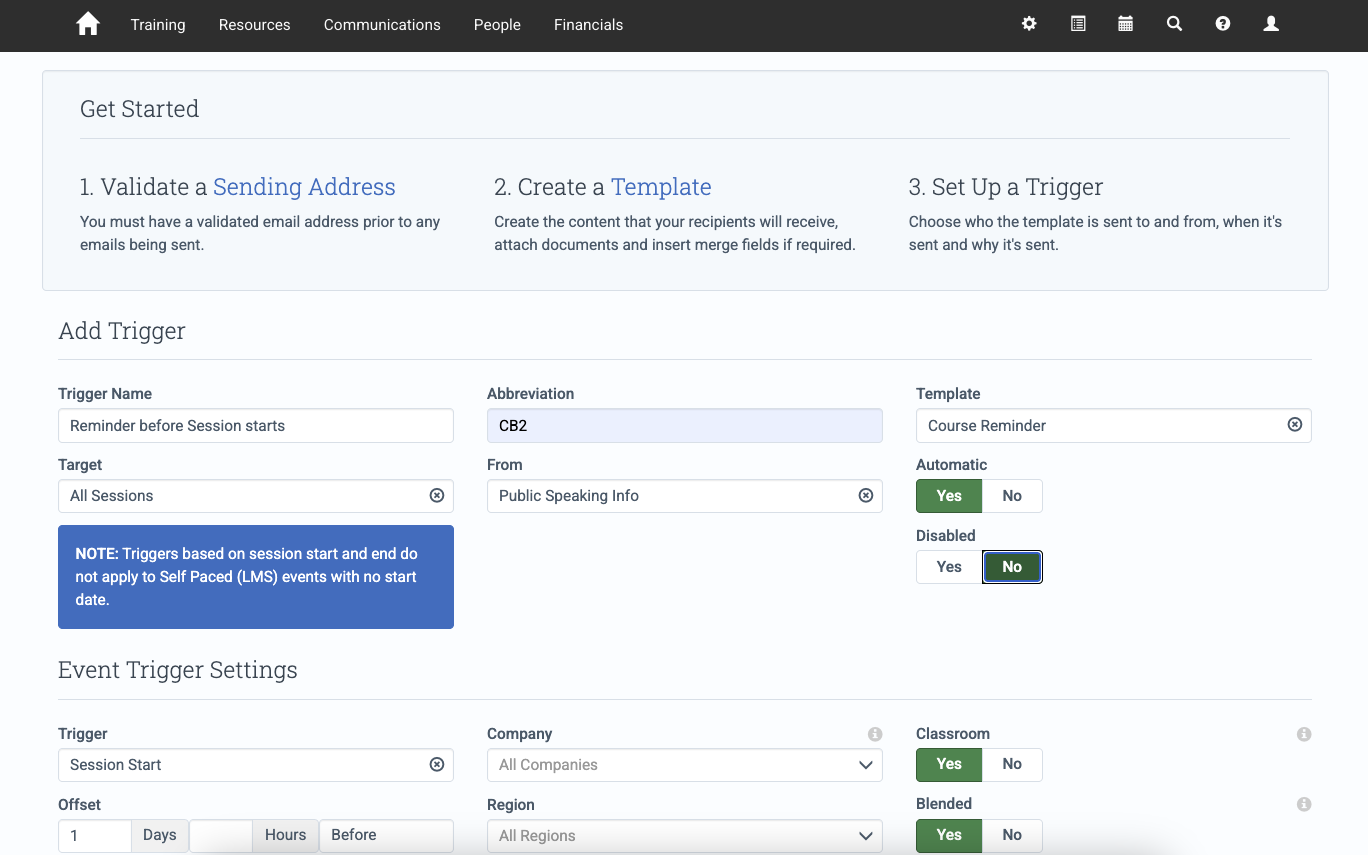
What’s New?
- Create Triggers for all Sessions across all Events
- Create Triggers for all Sessions within specific Course Templates
- Link existing Triggers or create new ones directly from a Course Template
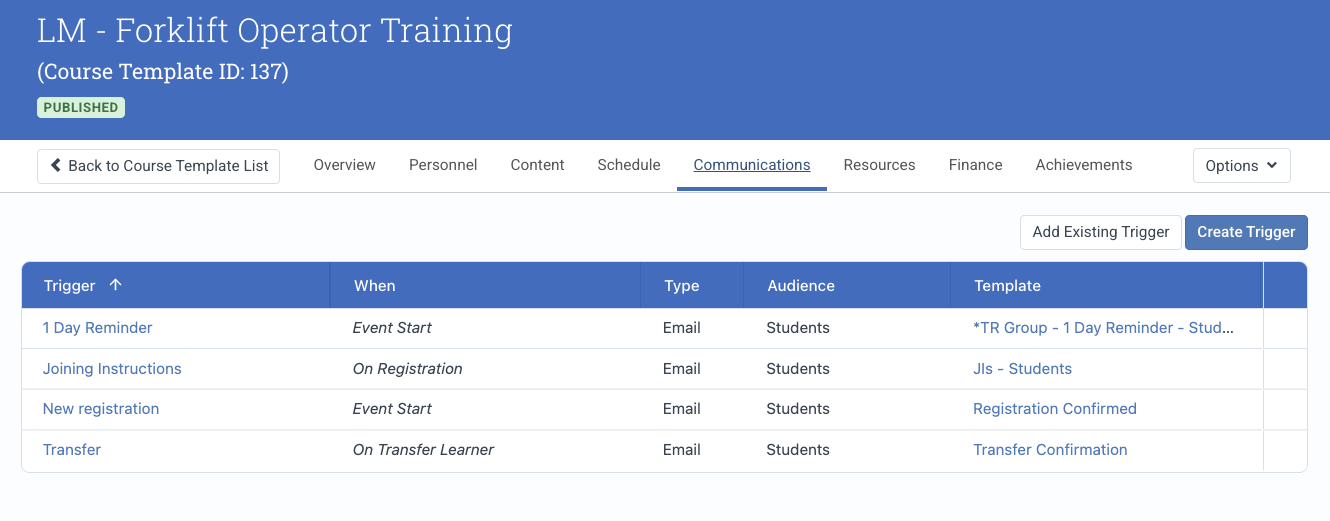
Learn more about Triggers in our documentation.
New Custom Field Type: Location
A new Location Custom Field type has been added, enabling you to set location-based custom fields on any available entity. See Custom Fields for more information.
Defects Resolved
- Fixed an issue when adding a student to an Event that prevented the email address from being stored on the Individual Account record.
- Fixed an issue when adding a student to an Event that allowed Contacts to be created without an email address when the mandatory email system setting is enabled.
- Fixed an issue when adding a student to an Event that left the ‘Add students’ button enabled after the maximum student capacity was reached.
Additional Updates
Developer Experience
Action Required: The CourseTemplate.create mutation will require all required custom fields starting November 18, 2025.
Starting November 18, 2025, if you use the CourseTemplate.create mutation to create Course Templates via the API, you must include all required custom fields in your request or the mutation will fail validation. Please update your integration to pass all required custom fields before this date.
What’s New?
- We added new TriggerMutations.addCourses and removeCourses so that a course template can be added/removed from a course-based trigger.
- The triggers root query accepts new filters
- companyId - will return only triggers set to fire for that given company
- courseTemplateId - will return only triggers that have a mapping for the given course template(s)
- target - will accept any values from the TriggerTarget enum
Defects Resolved
- Fixed an issue where webhook failure emails were not being sent. Now, when webhooks fail to send after retries, it should inform the customer.